Touch controls

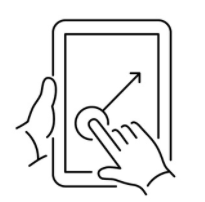
Swipe to rotate camera
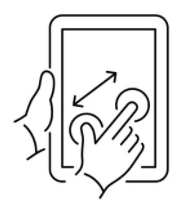
Pinch to zoom in or out
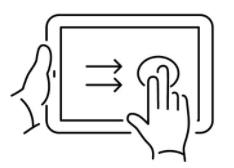
Two finger touch + move to shift camera

Mouse & keyboard controls

left-mouse-button + move mouse to rotate camera
Scroll-wheel to zoom in or out
Right-mouse button + move mouse to shift camera

ALT-CLICK on container: Open 2D view of bay
SHIFT-CLICK multiselect containers
CTRL-CLICK select location